ERGOPLAY
Industrial design // experience design

Work hard
Play hard
Industrial design
Concept development
Prototyping
Is it possible to combine the best of both gaming and comfort in a mouse without compromise?
This project started with a simple question: what if a single mouse could perfectly adapt to both high-intensity gaming and long hours of comfortable work? The answer is a transforming mouse, a concept designed to shift from a nimble gaming grip to a supportive ergonomic shape, all without ever needing to stop for a charge.
As a personal, enthusiast-driven project, the goal was to see what could be achieved almost entirely with 3D printing. By integrating the reliable internals of a Logitech G304, I created a fully working prototype that brings this transforming design to life, showcasing how desktop manufacturing can be used to create highly functional and innovative products.
But, why?

Like many gamers, I’ve used a gaming mouse as my primary and only device for years, both for playing FPS titles and for everyday work. Over time, I started to notice a bit of wrist pain, especially during long sessions. I saw friends who weren’t gamers use ergonomic mice for work and wondered why a single mouse couldn’t serve both needs. The idea of buying two expensive mice and managing two sets of batteries didn’t make sense. That’s how ergoplay was born, a project aimed at creating a single mouse that transforms between gaming and ergonomic shapes, making life easier for anyone who wants comfort and performance without compromise.

Two overall directions

Shape validation and form exploration


3D printing both shapes from existing mice on the market and some of my own.
'Ergonomic shape transform' form validation with air dry clay on 3d prints.


Setup for photogrammetry of g304 internals that I planned to design the mouse around.
Screenshots of the 3d scans of the internal PCB and the air dry clay model for CAD.


_2026-03-11_15-17-32.png)
_2026-03-11_14-57-15.png)
_2026-03-11_15-06-03.png)
Gaming shape hump is too sharp and feels uncomfortable during long gaming sessions.
Attaching ergo grip feels cumbersome and awkward. It is also a two-handed operation.
Ergo grip does not make much of a difference. The hand lies flat instead of in the 'handshake' position.
Although this version of the mouse worked, I wanted to improve it further both aesthetically and ergonomically. The user journey of the mouse, however, was exactly what I was looking for. It allowed for quickly swapping the mouse 'modes' while never needing to charge the mouse itself, since the ergo-grip transferred charge from the dock to the mouse's internal battery.

Refinement


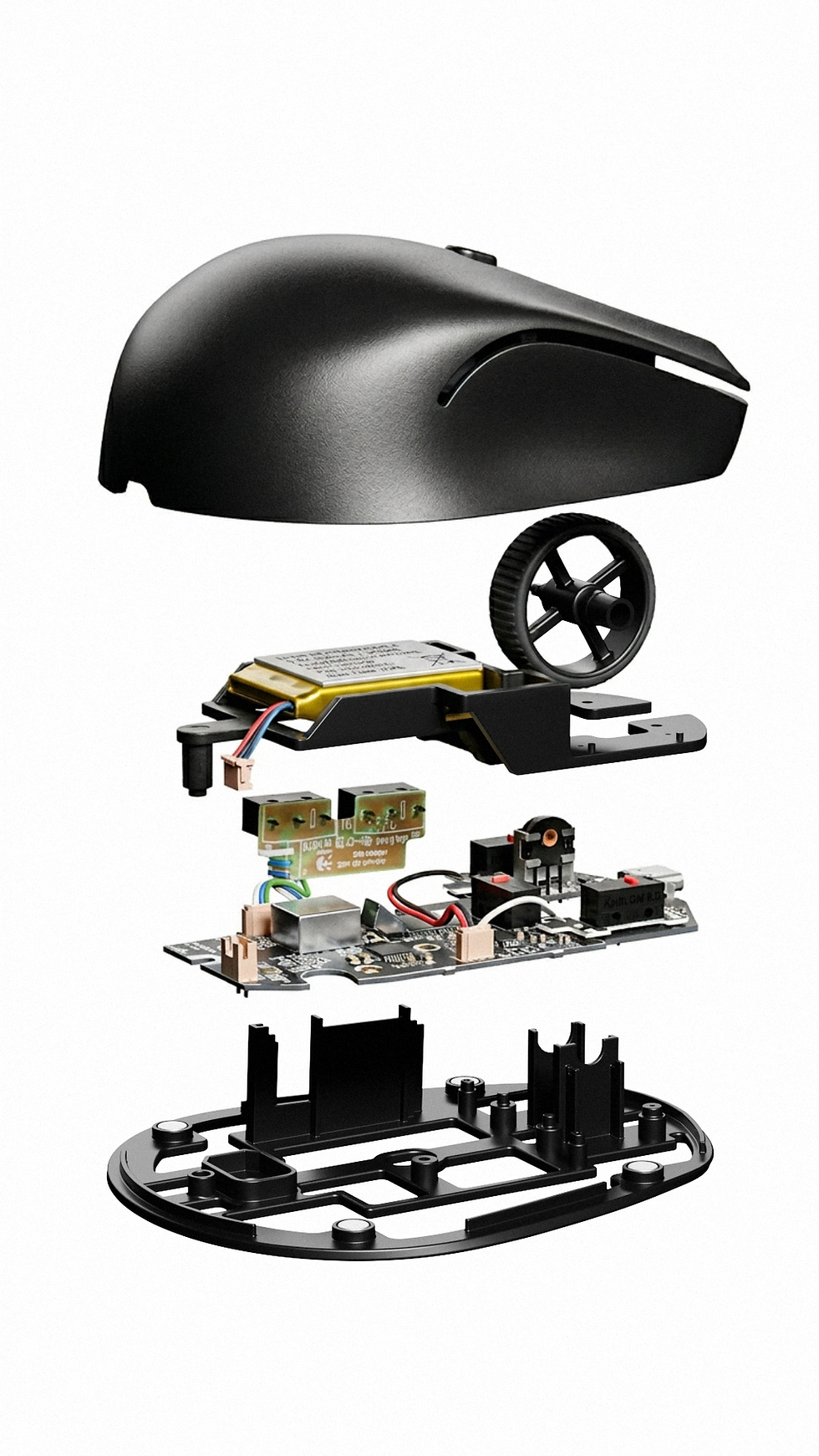
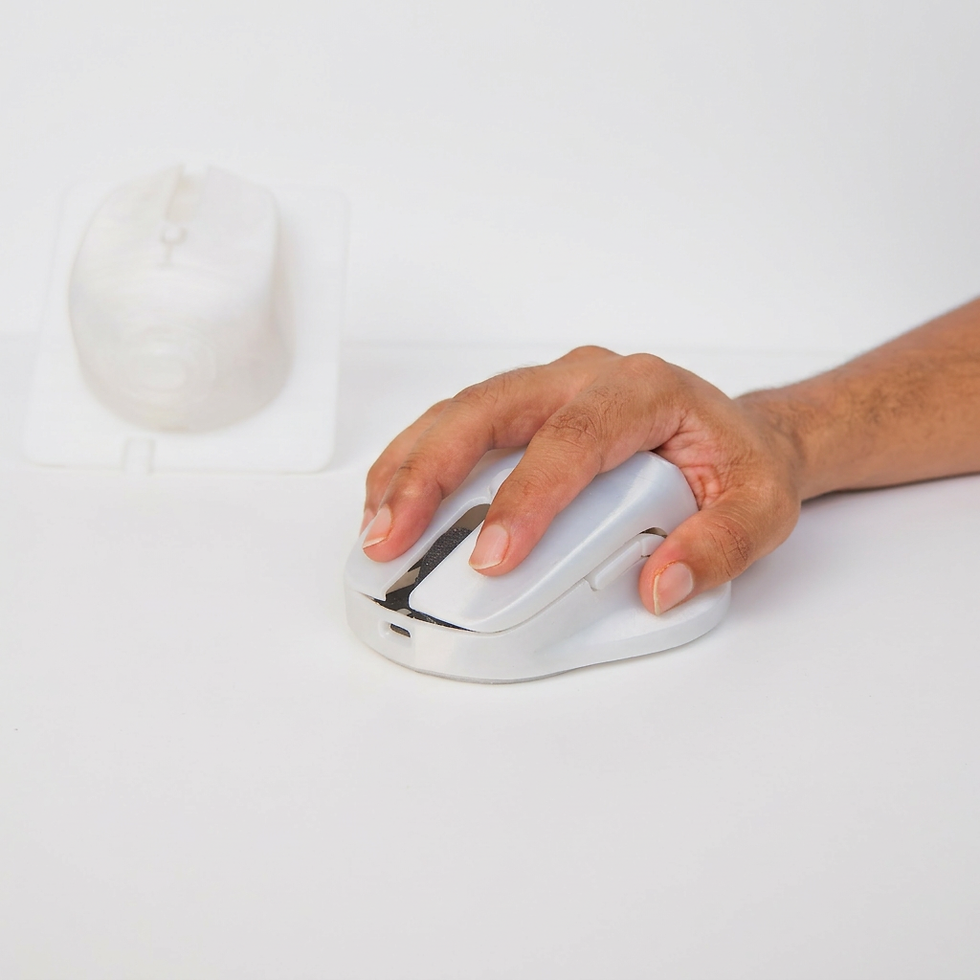
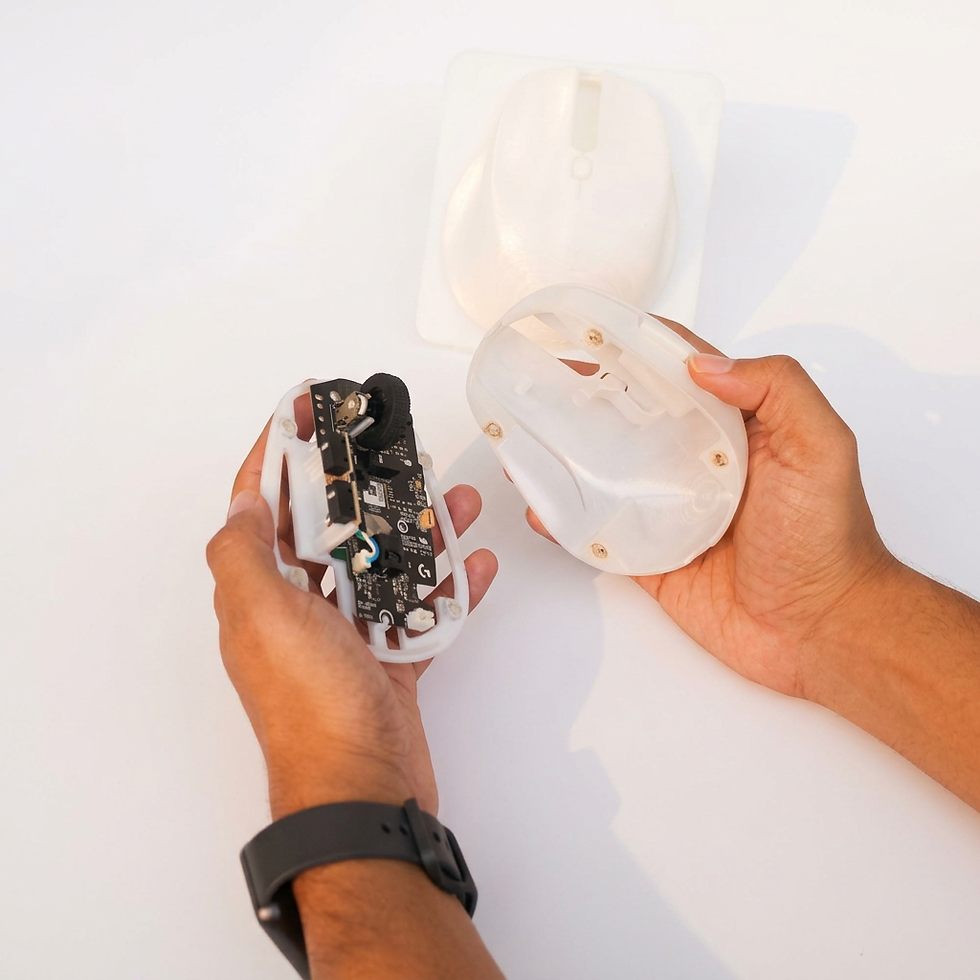
The first thing I developed and validated was the updated gaming shape and internals. The base and top are separate and are magnetically attached. After the shape was validated, I moved on to develop the ergonomic shape.



_2026-03-09_18-13-22.png)
_2026-03-09_18-06-33.png)


